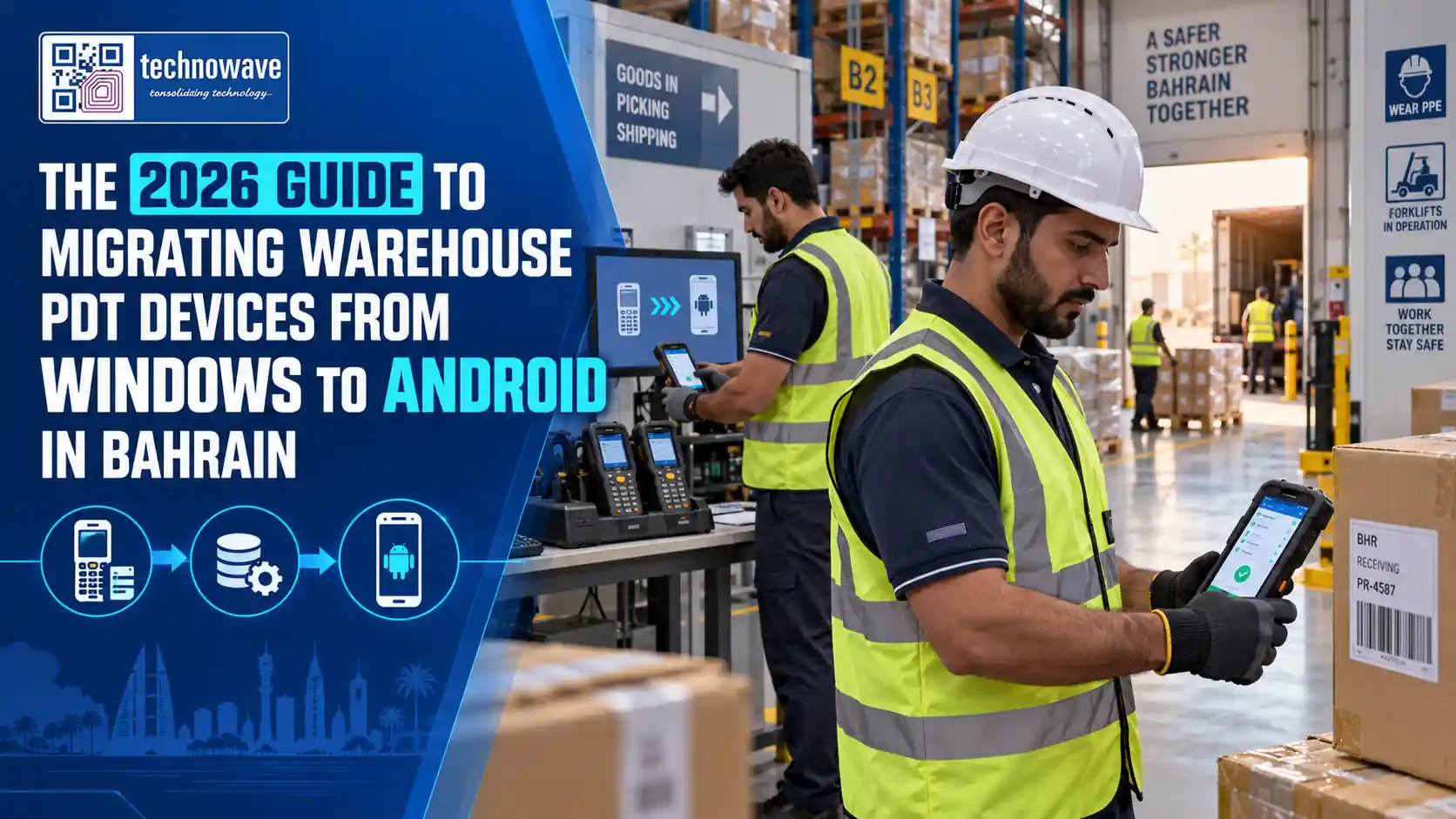
If you are planning to replace legacy warehouse handhelds, Android PDT devices Bahrain projects should start now, not after the next device failure. Bahrain warehouses moving from Windows-based PDTs to Android gain stronger security, better WMS compatibility, easier device management, and access to current rugged hardware that can still run barcode workflows and even many terminal emulation environments during transition.
What is an Android PDT device? It is a rugged enterprise handheld computer with an integrated barcode scanner, wireless connectivity, and warehouse-focused controls such as trigger buttons, physical keypads, hot-swappable batteries, and mobile device management support. Unlike consumer phones, these devices are built for repetitive scanning, forklift movement, dusty storage areas, and long shift operations.
For Bahrain operations around Manama, the Bahrain Logistics Zone, and port-linked distribution activity, the issue is no longer whether Android is the new standard. According to Zebra Technologies, more than 80% of enterprise mobile computers shipped globally for warehousing and logistics run on Android. The practical question is how to migrate without disrupting receiving, putaway, picking, cycle counting, and dispatch.
Why Bahrain warehouses are moving from Windows PDT devices to Android
The main driver is supportability. Microsoft has ended support and active development for legacy mobile operating systems such as Windows CE and Windows Embedded Handheld, which means security patches, application updates, and hardware ecosystem support have largely dried up. In an audited warehouse environment, unsupported endpoints become an IT risk rather than just an operations inconvenience.
The second driver is application modernization. Bahrain businesses are increasingly integrating handheld workflows with cloud-connected ERP, browser-based dashboards, API-driven warehouse platforms, RFID, and real-time inventory systems. Modern mobile computers and PDT devices for warehouse operations are designed for these integrations, while older Windows devices often rely on aging terminal emulation, outdated browsers, or bespoke middleware that is difficult to maintain.
There is also a workforce usability angle. Green-screen workflows still work, but they are harder to train on, slower for exception handling, and less intuitive for temporary or multilingual warehouse staff. Android interfaces support touch-driven screens, camera features, richer validation prompts, and more flexible UI design, which helps reduce training dependency on a small group of experienced operators.
For Bahrain specifically, a migration program is also about business continuity. Spare parts for aging Windows handhelds are becoming scarce, battery performance is inconsistent, and replacement units from the same generation are often refurbished rather than current production. That creates a hidden operational bottleneck: the warehouse is depending on devices that are no longer part of a healthy supply chain.
The risks of keeping legacy Windows handhelds in production
Legacy handhelds do not usually fail in one dramatic event; they fail through accumulating friction. Batteries swell or lose runtime, scan engines become inconsistent, charging cradles break, and old Wi-Fi radios struggle with upgraded access point environments. Each incident creates small delays at receiving docks, replenishment aisles, and outbound staging areas.
The bigger issue is security and compliance. Unsupported operating systems cannot meet the same patching standards expected in current corporate IT policies, especially where handhelds connect to warehouse Wi-Fi, VPNs, or backend ERP systems. For Bahrain companies serving retail chains, industrial accounts, or regulated sectors, this becomes a board-level concern because the device is now part of the network attack surface.
What happens if you wait too long?
Delay usually forces a reactive migration. A warehouse loses several devices, procurement scrambles to source mixed replacements, and IT has no time to stage, test, or document the new environment. That is how businesses end up running two operating systems, two accessory ecosystems, and inconsistent user workflows at the same time.
There is also a cost trap. Many companies assume keeping old handhelds is cheaper, but the real cost includes repair frequency, user downtime, manual workarounds, and the inability to adopt newer WMS features. If your barcode application, printer connectivity, or accessory estate depends on workarounds, you are already paying the price of not migrating.
A useful internal checkpoint is simple: if your warehouse still depends on old devices plus paper backups when one unit goes down, your handheld environment is no longer resilient. At that point, migration is not a technology upgrade; it is an operations risk-control project.
What to evaluate before choosing Android PDT devices for warehouse operations
Start with workflow mapping, not model selection. Receiving, pallet identification, bin transfer, order picking, stock counting, returns, and dispatch do not all require the same device format. Some processes benefit from full-touch devices, while others still need a physical keypad for gloved use, cold stores, or rapid numeric entry.
Next, validate software compatibility in a structured way. Ask directly: Will our current WMS work on Android? The answer is often yes, but in different forms. Some systems already have Android-native clients; others run through browser-based HTML5 interfaces; many still depend on terminal emulation clients that can be deployed on Android while the front end is modernized later. That is why warehouse teams should review existing TE profiles, barcode symbologies, keyboard mappings, printer drivers, and offline behavior before procurement.
Connectivity and management should be treated as selection criteria, not afterthoughts. A proper fleet must support modern Wi-Fi security, remote provisioning, OS update control, kiosk mode, certificate deployment, and device tracking through enterprise mobility management. If your business has more than one site in Bahrain or cross-border operations into the GCC, centralized staging and policy control become essential.
Procurement teams should also assess the surrounding ecosystem: charging cradles, pistol grips, vehicle docks, batteries, wearable options, and support for stock taking with Android portable devices. A good migration decision is not only about the handheld unit; it is about standardizing the full scanning environment that supports shift work and spare-pool planning.
| Evaluation area | What to check | Why it matters in Bahrain warehouses |
|---|---|---|
| Operating system | Android version, upgrade roadmap, security patch policy | Reduces compliance risk and extends device life |
| Application fit | Native Android app, browser workflow, or terminal emulation support | Determines migration complexity and retraining effort |
| Rugged design | IP rating, drop spec, keypad durability, screen readability | Supports dusty, warm, and high-throughput environments |
| Wireless performance | Wi-Fi roaming, Bluetooth, optional 4G/5G | Prevents dead zones across racks and loading areas |
| Power management | Battery runtime, hot swap, charging strategy | Avoids mid-shift interruption during picking peaks |
| Support model | Staging, AMC, repair turnaround, spare units | Protects uptime for mission-critical warehouse workflows |
Hardware features that matter in Bahrain warehouse environments
Not every rugged handheld is suitable for GCC warehouse conditions. For Bahrain sites with warm loading bays, dust exposure, mixed indoor-outdoor movement, and long shifts, prioritize enterprise devices with industrial sealing such as IP65 to IP68, strong drop tolerance, and screens readable under high ambient light. Devices from Zebra, Datalogic, Honeywell, and Newland are typically evaluated because they offer scanning engines and accessories designed for industrial use rather than light retail handling.
Which hardware specifications matter most? Long-range scanning is important where operators read pallet or upper-rack labels from a distance. Numeric keypads still matter in many warehouses for quantity entry, location codes, and legacy application navigation. Battery architecture matters just as much: hot-swappable packs are preferable where shifts cannot pause for charging, especially in picking and dispatch operations.
Do you need a handheld, tablet, or vehicle-mounted format?
Handheld Android PDTs are usually the right choice for general receiving, replenishment, and cycle count tasks. Rugged tablets suit supervisors, exception management, yard checks, and visual dashboards, while forklifts may need vehicle-mounted terminals or docks depending on application design. If part of your estate still requires Windows for a specialist use case, it is worth separating that from the handheld migration instead of forcing all workflows into one hardware decision; this is where categories such as Windows based tablets remain relevant for edge cases.
Peripheral compatibility should not be overlooked. Test barcode label printing, Bluetooth ring scanners, RFID sleds, and integration with RFID workflow improvements if your site mixes barcode and RFID operations. The best device is the one that fits your exact scan distance, data-entry style, and application behavior under real warehouse load, not just the one with the highest specification sheet.
Software compatibility, migration steps, and how to avoid downtime
The first buyer question is usually: What will happen to our existing warehouse management software when we switch from Windows to Android? In most projects, the backend WMS does not need to be replaced. What changes is the device-side layer: the application client, browser, terminal emulation environment, barcode APIs, keyboard handling, and sometimes printer communication. That means migration can be phased even when the core WMS stays in place.
If your warehouse still uses a green-screen interface, the answer to the second common question is also practical: Yes, many terminal emulation applications can still run on Android handhelds. This allows Bahrain operators to preserve proven workflows during phase one, then redesign the user interface later for touch screens, richer validation, and exception prompts. The mistake is trying to rewrite everything at once; the lower-risk path is to stabilize on Android hardware first, then modernize the app experience.
A disciplined migration plan usually follows six steps:
- Audit every device, accessory, application, and barcode process currently in use.
- Classify workflows into TE-based, browser-based, and Android-native candidates.
- Pilot a small device batch in one process area such as cycle counting or receiving.
- Validate Wi-Fi roaming, scanner behavior, label printing, and user permissions.
- Stage devices with MDM, profiles, certificates, and application lockdown before rollout.
- Run parallel support during go-live with spare devices and shift-level feedback collection.
The most common causes of downtime are avoidable: incomplete keyboard mapping, weak Wi-Fi survey work, missing printer templates, and underestimating operator retraining. Local staging, user acceptance testing, and post-go-live support matter more than the hardware swap itself. Businesses evaluating partners should ask whether they can support not just device supply, but also warehouse management and inventory tracking solutions, barcode media validation, and ongoing operational tagging and identification workflows that keep the whole system accurate.
Why local Bahrain support, repair, and AMC should influence your buying decision
For warehouse mobility, support model is part of the product. A technically strong Android rollout can still fail if devices arrive unstaged, repairs take too long, or there is no local team to troubleshoot profile issues, trigger configuration, or battery pool management. In Bahrain, this matters because many sites operate lean teams and cannot afford extended handheld downtime during receiving peaks or stock count windows.
Decision-makers should ask very specific support questions: Can the partner preconfigure Wi-Fi, MDM, and TE settings before delivery? Can they provide spare devices during repair? Do they handle batteries, triggers, cradles, and print connectivity as part of AMC, or only the core unit? Is there experience supporting Bahrain deployments, not just shipping devices into the country?
Local proof matters more than generic claims. If a supplier already has implementation experience in Bahrain, such as the University of Bahrain case study, that indicates practical familiarity with regional delivery, installation, and support expectations. For operations leaders, this reduces rollout risk because the partner understands on-site coordination, acceptance testing, and after-sales response realities.
Technowave International is a strong fit for Bahrain organizations planning this transition because it combines multi-brand handheld supply, software integration understanding, local staging, AMC, repair, and warehouse mobility experience across the GCC. If you are replacing aging mobile computers, standardizing barcode workflows, or planning a phased Windows-to-Android migration, engage the Technowave team early so the device decision, application strategy, and support model are aligned from the start.
FAQ: Android PDT devices Bahrain
Q: Why are warehouses in Bahrain migrating from Windows PDT devices to Android?
A: Because legacy Windows handhelds are now difficult to secure, repair, and integrate with modern warehouse software. Android gives Bahrain warehouses access to current rugged hardware, stronger security controls, easier fleet management, and better support for browser-based, native, and terminal emulation workflows.
Q: What should we check before replacing old Windows mobile computers with Android PDT devices?
A: Review workflow type, keypad needs, scan range, battery strategy, Wi-Fi coverage, WMS compatibility, printer connectivity, and MDM requirements. Also check accessory compatibility and support coverage so the migration includes chargers, spare batteries, staging, and repair planning rather than just handset procurement.
Q: Will our current warehouse management system work with Android handheld terminals?
A: In many cases, yes. The backend WMS often remains unchanged while the handheld client is updated. Your options may include Android-native apps, browser-based access, or terminal emulation on Android. The key is testing barcode behavior, keyboard mapping, user roles, and print workflows before full rollout.
Q: Can we still run green-screen terminal emulation applications on Android PDT devices?
A: Usually yes, and that is often the safest first phase of migration. Android handhelds can support terminal emulation so you keep current warehouse transactions working while moving away from obsolete hardware. Later, you can redesign screens for touch-based operation and better exception handling.
Q: How do we manage, update, and secure Android devices across multiple warehouse locations?
A: Use enterprise mobility management to control app deployment, OS updates, Wi-Fi certificates, kiosk mode, and remote troubleshooting. A properly staged fleet should be enrolled before dispatch so each device arrives with the right profiles, restrictions, and warehouse application settings already applied.
Q: What local support should businesses in Bahrain expect for Android PDT deployment and maintenance?
A: Expect pre-delivery staging, pilot testing, go-live support, AMC options, repair handling, and spare-device planning. For critical warehouse operations, local support should also cover batteries, cradles, scanners, and configuration issues so a device problem does not stop receiving, picking, or stock count activity.
If your Bahrain warehouse is still operating on aging Windows handhelds, now is the right time to plan a controlled migration. Define the workflows, test the software path, and choose a partner that can support supply, setup, rollout, and after-sales continuity across the full device lifecycle.
Related Articles
- The Ultimate Guide to Choosing Mobile Computers and PDT Devices for UAE Warehouses
- On-Premise vs. Cloud-Based Warehouse Management System: 2026 Migration & TCO Guide
- Windows Rugged Tablets
- Zebra L10 Windows Rugged Tablets
- Zebra Et51 Windows Tablet
- Wearable Devices
Android PDT Devices Bahrain: 2026 Migration Guide
Plan your move to Android PDT devices Bahrain with guidance on hardware, WMS compatibility, rollout, security, and local support.