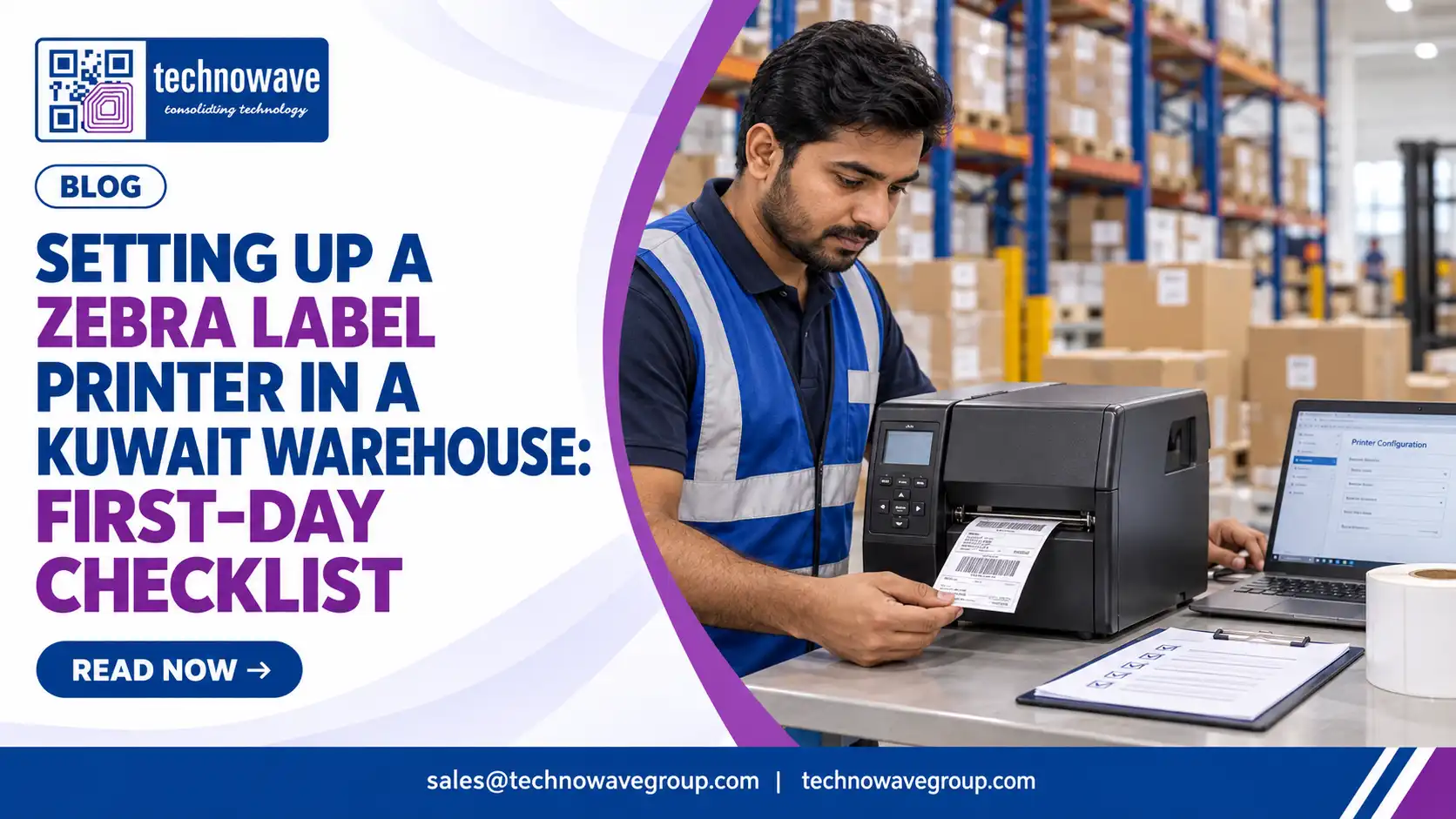
A successful zebra label printer setup Kuwait project on day one is not about simply powering on the printer and printing a test label. In Kuwait warehouses, the first-day priorities are environmental fit, correct media and ribbon pairing, stable network access, barcode validation, and operator readiness for continuous shift work. If those five areas are controlled before the first live print job, the printer is far less likely to cause relabeling delays, scan failures, or WMS transaction errors.
What is a Zebra label printer setup? It is the full technical process of preparing the printer, labels, ribbons, connectivity, software commands, print calibration, and user workflows so the device can produce warehouse-ready labels accurately and consistently from the first operating shift. That is different from unboxing; setup means production readiness.
1. Start with the warehouse conditions, not the printer menu
The first practical question is simple: where will the printer physically operate? A receiving bay, chilled area transition point, mezzanine packing table, and dispatch lane place very different stress on print heads, media adhesive, and enclosure durability. In Kuwait, heat transfer from loading bays, fine dust, and long operating hours can affect feed accuracy and barcode contrast even when the printer itself is functioning normally.
Before installation, inspect power quality, bench stability, cable path, and cleaning frequency around the print station. A printer placed beside shrink-wrap debris, carton dust, or forklift traffic will need more frequent platen roller and sensor cleaning than one mounted inside a controlled packing office. If the workload is continuous or label widths vary by shift, many warehouses should start with Zebra industrial printers rather than treating a desktop unit as a permanent warehouse machine.
First-day site checks that prevent immediate downtime
- Power: verify grounded sockets, avoid loose extension strips, and reserve one outlet per printer.
- Space: allow room behind the unit for media loading and in front for tear-off or peel access.
- Air quality: keep printers away from direct fan blast carrying dust into sensors.
- Network point: confirm whether Ethernet is available at the exact bench, not just in the room.
- Workflow: decide whether labels are printed batch-by-batch, on demand, or from mobile carts.
Buyers often ask, Should we set up near receiving or near ERP/WMS users? The answer depends on where the label is applied, not where the operator sits. If the label is printed too far from the carton, pallet, or bin, application errors increase because staff start carrying un-applied labels across zones.
2. Match labels, ribbon, and print method before you load the first roll
Most day-one problems are media problems, not printer defects. A warehouse label that must survive abrasion, sunlight exposure near loading doors, or long storage cycles should not be treated the same as a short-life carton movement label. The setup team must decide early whether the application is direct thermal or thermal transfer, then pair that choice with the correct stock, adhesive, and ribbon formulation.
For Kuwait operations, direct thermal can work well for fast-turn internal labels, but it is a weak choice for labels exposed to heat, friction, or extended shelf life. Thermal transfer is usually safer for pallet IDs, rack labels, asset labels, and logistics labels that must remain legible beyond a short dispatch window. Media selection should be locked before printer calibration because gap sensing, darkness, and speed all depend on the actual stock being used. Teams comparing options can review barcode printer labels for thermal transfer and direct thermal and practical label considerations in this thermal transfer label guide.
| Requirement | Direct Thermal | Thermal Transfer | Better fit in Kuwait warehouse use |
|---|---|---|---|
| Short-life shipping or picking labels | Simple, no ribbon | Possible but less economical for basic use | Direct thermal for fast internal movement |
| Labels exposed to heat or long storage | Image can fade or darken | Higher durability | Thermal transfer |
| Asset, rack, bin, and shelf labels | Usually not ideal | Better resistance and longevity | Thermal transfer |
| Operational complexity | Lower | Ribbon loading required | Depends on staff skill and label life |
Another frequent question is, Can we use any 4-inch label roll on a Zebra printer? No. Core size, winding direction, top-coated versus uncoated stock, adhesive strength, and sensor mark design all affect feeding and print quality. Even a suitable printer can misfeed if the label construction does not match the platen path and sensor configuration. For common stock references, buyers often start with proven materials such as Zebra paper labels rather than generic warehouse stock of unknown consistency.
3. Configure connectivity, drivers, and label commands before live warehouse transactions begin
A Zebra printer that prints a Windows test page is not yet ready for a warehouse. Day one must confirm how the printer will receive jobs: USB from a single PC, Ethernet from a print server, or direct output from ERP, WMS, or middleware. Kuwait warehouses running multiple shifts usually benefit from fixed IP addressing and network printing because local USB setups become fragile when users change PCs or move benches.
The technical team should document the printer name, IP address, subnet, DHCP policy, firmware level, default language, and driver method. If the WMS generates ZPL directly, test with actual application labels rather than generic text labels. If the system prints through Windows drivers, check page size mapping carefully because A4 defaults can distort warehouse label dimensions and shift barcode position outside the scannable quiet zone.
Questions to answer before first live print
- Will labels be generated by ZPL, EPL, PDF, or a Windows driver?
- Is the barcode symbology fixed by customer compliance rules?
- Will the same printer handle product labels, pallet labels, and returns labels?
- Who can change darkness, speed, and sensor settings?
From a security standpoint, treat the printer as a network endpoint, not a passive accessory. Restrict who can change settings, disable unused interfaces where possible, and record administrator credentials in the IT handover. If the printer is integrated into asset or warehouse workflows, the wider process matters as much as the device; this is why teams planning integrated rollout often review related automation capabilities through Technowave International and local execution examples such as the Kuwait College of Science & Technology project, which shows the importance of on-ground deployment discipline in Kuwait.
4. Calibrate, validate, and prove scannability before the first shift signs off
Calibration should be done with the exact live media, ribbon, and template that the warehouse will use that day. Auto-calibration alone is not enough if the label has dense graphics, small text, or compact 2D codes. Set darkness and print speed based on scan reliability, not visual appearance alone; a dark label that looks bold can still produce bar growth and hurt scanner performance.
Run at least three practical tests: consecutive single-label printing, small batch printing, and a sustained job that reflects live shift behavior. Then scan labels using the same handheld scanners or mobile computers used in receiving and dispatch. If the warehouse uses gloves, dusty cartons, or angled application on stretch wrap, test under those real conditions rather than on a clean desk sample.
First-day validation checklist
- Print the warehouse’s actual SKU, carton, pallet, or asset format.
- Measure label alignment and check top-of-form consistency over multiple prints.
- Scan from different distances and angles using the live device fleet.
- Confirm human-readable text remains legible after ribbon and speed changes.
- Verify the label peels cleanly and adheres to the target surface.
- Store a printed sample for next-day comparison if labels will face heat or abrasion.
Buyers often ask, How do we know the issue is setup and not the printer? If feed length varies, barcodes scan inconsistently, or labels wrinkle only with one stock type, the cause is usually media path, sensor mode, ribbon tension, or template design. True hardware faults tend to remain visible across different media and jobs. For procurement teams still choosing consumables, this practical article on where to buy Zebra printer labels is useful because stock quality is directly tied to first-day performance.
5. Plan the go-live sequence, spares, and ownership so the printer stays stable after day one
Implementation failure rarely happens during installation; it happens when the first busy shift starts and nobody owns the printer. Assign one technical owner and one operations owner before go-live. The technical owner controls firmware, IP settings, templates, and backups, while the operations owner controls media changes, cleaning routine, and escalation if barcodes stop scanning.
For zebra label printer setup services Kuwait projects, buyers should ask the provider for a short first-day handover pack. That pack should include the printer configuration export, installed consumable specification, cleaning steps, default settings, approved label templates, and a list of parts staff may replace without calling engineering. Keep spare labels, the correct ribbon, a printhead cleaning kit, and one tested sample roll at the station from day one.
Pricing discussions should be framed around total setup readiness, not only printer cost. The real budget drivers are printer class, media specification, installation labor, driver or ERP/WMS integration, training, and whether the site needs preventive maintenance. A low upfront purchase can become expensive if operators spend shifts reprinting labels or if a mismatched adhesive causes relabeling at dispatch.
The most common first-day mistakes are avoidable: using whatever labels are available, skipping IP documentation, validating on a desk instead of in the live aisle, and letting multiple users change darkness and speed. For businesses that want a local zebra label printer setup provider Kuwait with implementation, consumables, and support under one scope, Technowave International can help assess the print environment, align the printer with the correct label stock, and support a more controlled rollout through its regional barcode and warehouse automation experience.
FAQ: Zebra label printer setup in Kuwait
Q: What should buyers check before choosing Zebra label printer setup in Kuwait?
A: Check the print environment, label application, daily print volume, network method, and whether the printer must integrate with WMS, ERP, or shipping software. Also verify the exact label material and adhesive needed for Kuwait warehouse conditions, because media mismatch causes more issues than the printer itself.
Q: How can businesses compare Zebra label printer setup providers?
A: Compare providers on deployment scope, not only hardware supply. Ask whether they handle media selection, IP setup, template testing, barcode validation, operator training, and post-install support. A provider that only delivers the printer leaves the warehouse team to solve the most failure-prone setup tasks alone.
Q: What does Zebra label printer setup pricing in Kuwait usually include?
A: Pricing typically depends on the printer class, labels and ribbons, installation effort, connectivity setup, software integration, and training. Some projects are simple standalone installs, while others include WMS mapping, multiple templates, and ongoing maintenance. Buyers should ask for a clearly separated hardware, consumables, and services scope.
Q: How long does implementation usually take?
A: Basic physical setup can be completed quickly, but production readiness takes longer because live media testing, network configuration, and barcode validation must be completed. If the site uses custom templates or ERP/WMS integration, the realistic timeline depends more on application testing and user approval than on printer installation itself.
Q: What security or compliance factors matter for Zebra printer setup?
A: Treat the printer as a managed network device. Control administrator access, document IP and firmware details, and restrict unauthorized setting changes. From an operational compliance perspective, barcode content, label format, and readability must match customer, logistics, and internal traceability requirements before labels are released for routine use.
Q: Is direct thermal or thermal transfer better for Kuwait warehouses?
A: It depends on label life and exposure. Direct thermal is practical for short-life internal labels, but thermal transfer is usually the safer option for pallet, rack, asset, and shipping labels that must survive heat, handling, or longer storage. The right answer comes from the use case, not from the printer brochure.
If your warehouse team wants a structured first-day rollout instead of trial-and-error setup, contact Technowave International for a site-specific assessment, implementation plan, and local support for Zebra printer installation, consumables, and warehouse label workflows.
Related Articles
- Zebra Barcode Printers in Kuwait: Complete Buying Guide & Model Comparison
- Electronic Shelf Labels vs Paper Price Tags: What Indian Retailers Are Losing Every Day
- Electronic Shelf Labels (ESL) for Kuwait Retailers: Digital Price Tags, Cost & ROI
- How can label printers help your brand grow and thrive?
- Barcode Printer Labels Thermal Transfer Direct Thermal
- How to Integrate EAS Sensormatic Products with Your Existing Retail Security Setup
zebra label printer setup Kuwait: First-Day Checklist
Practical zebra label printer setup Kuwait checklist for warehouses: media, network, calibration, testing, security, rollout, and setup mistakes.